Flight preparation
Route, weather, procedures, load and fuel in one continuous flow.

Where to Fly brings routes, weather, load planning, checklists and live data into one focused workspace.
Supports MSFS 2020 / 2024 · Prepar3D v4 / v5 · Windows
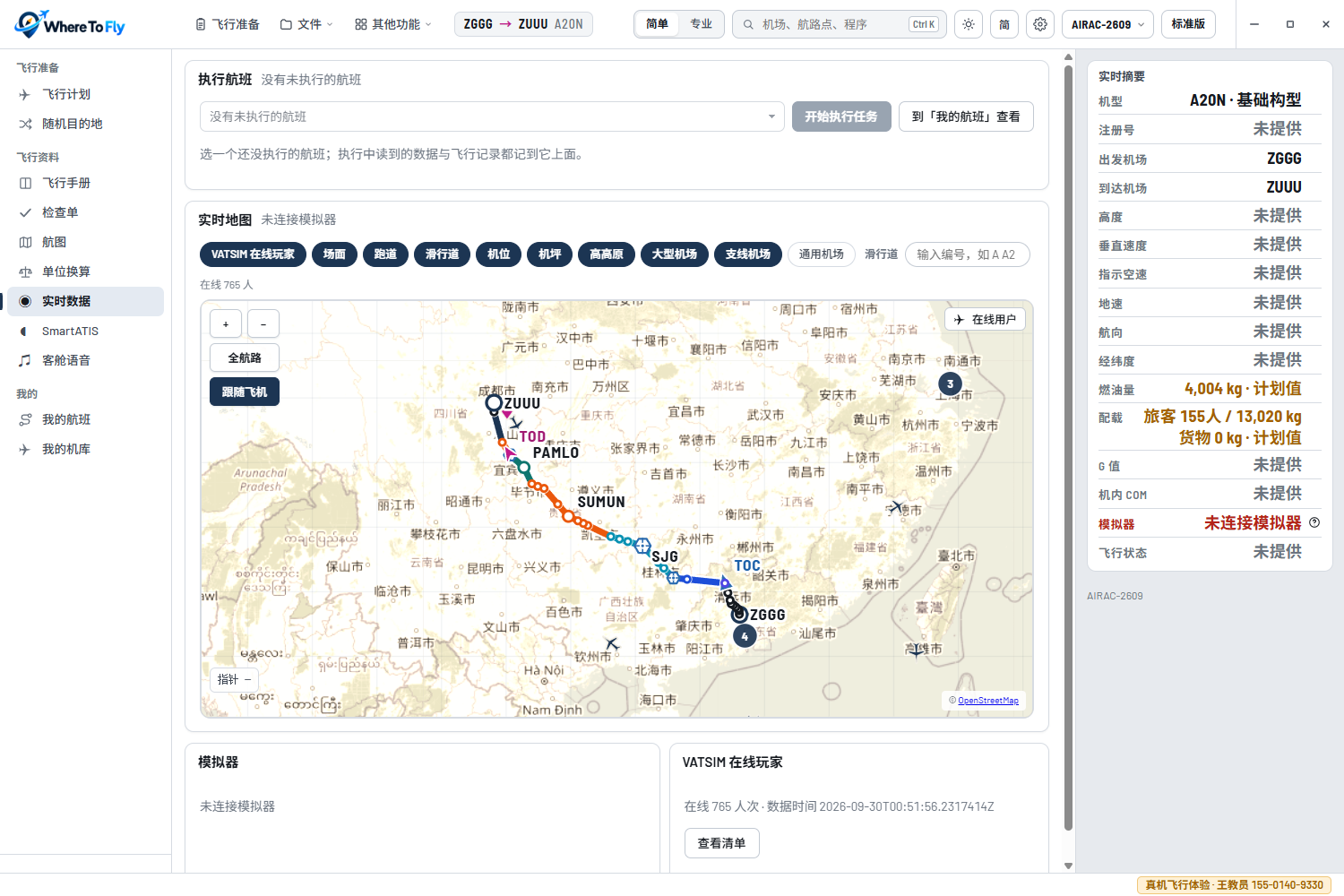
Work before, during and after the flight uses the same data, without moving information between disconnected tools.
Route, weather, procedures, load and fuel in one continuous flow.
Follow simulator telemetry and the VATSIM network without losing the bigger picture.
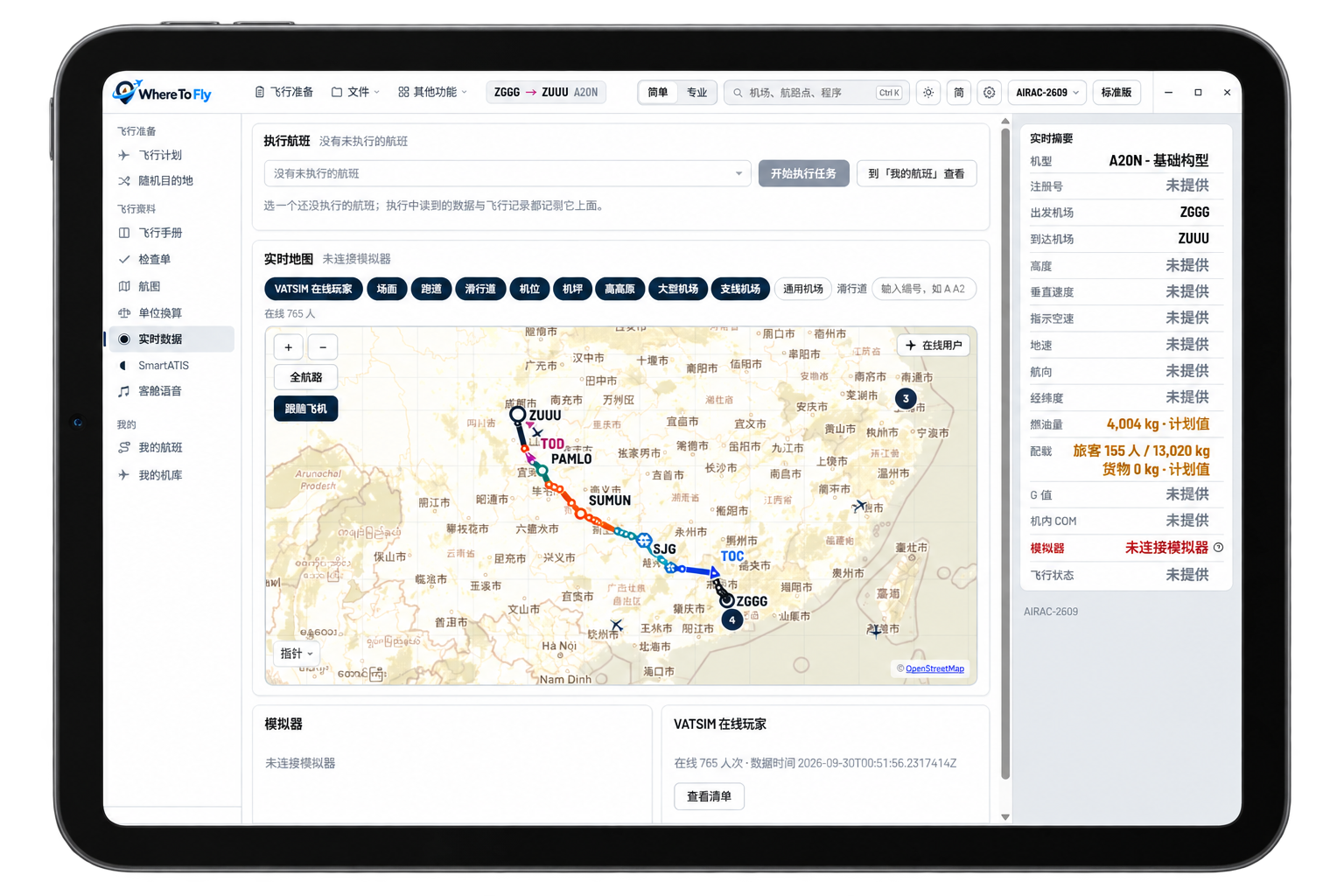
View the live map and key data on iPad while keeping the main screen for the simulator.
Where to Fly handles planning, data and the flight. RealFlight Voice brings TeamSpeak 3 radio use closer to the cockpit.

A flight workspace for simulator pilots, with control over data, aircraft and workflow instead of a locked path.
Manage automated airport information by airport and frequency with fewer repeated actions in flight.
Play cabin announcements by flight phase for a more continuous journey.
Filter by distance, runway and airport conditions when you do not know where to fly.
Import PMDG and Fenix navigation data and choose your own source and update cycle.
Keep aircraft checklists, manuals and a local chart library together.
Plans, hangars, data packages and exports remain under local control across different simulator setups.
Cross-device display turns a tablet into a separate map and data screen. Route, position and key status sync over the local network while the PC runs the simulator.
These are current target dates. Scope and release timing may change after testing.
Visual route planning, landmarks and airspace prompts for general aviation and low-level flying.
Simulator state, track and core flight data integration.
Share routes, flight summaries and crew information.
Review flight phases, key events and long-term performance trends.
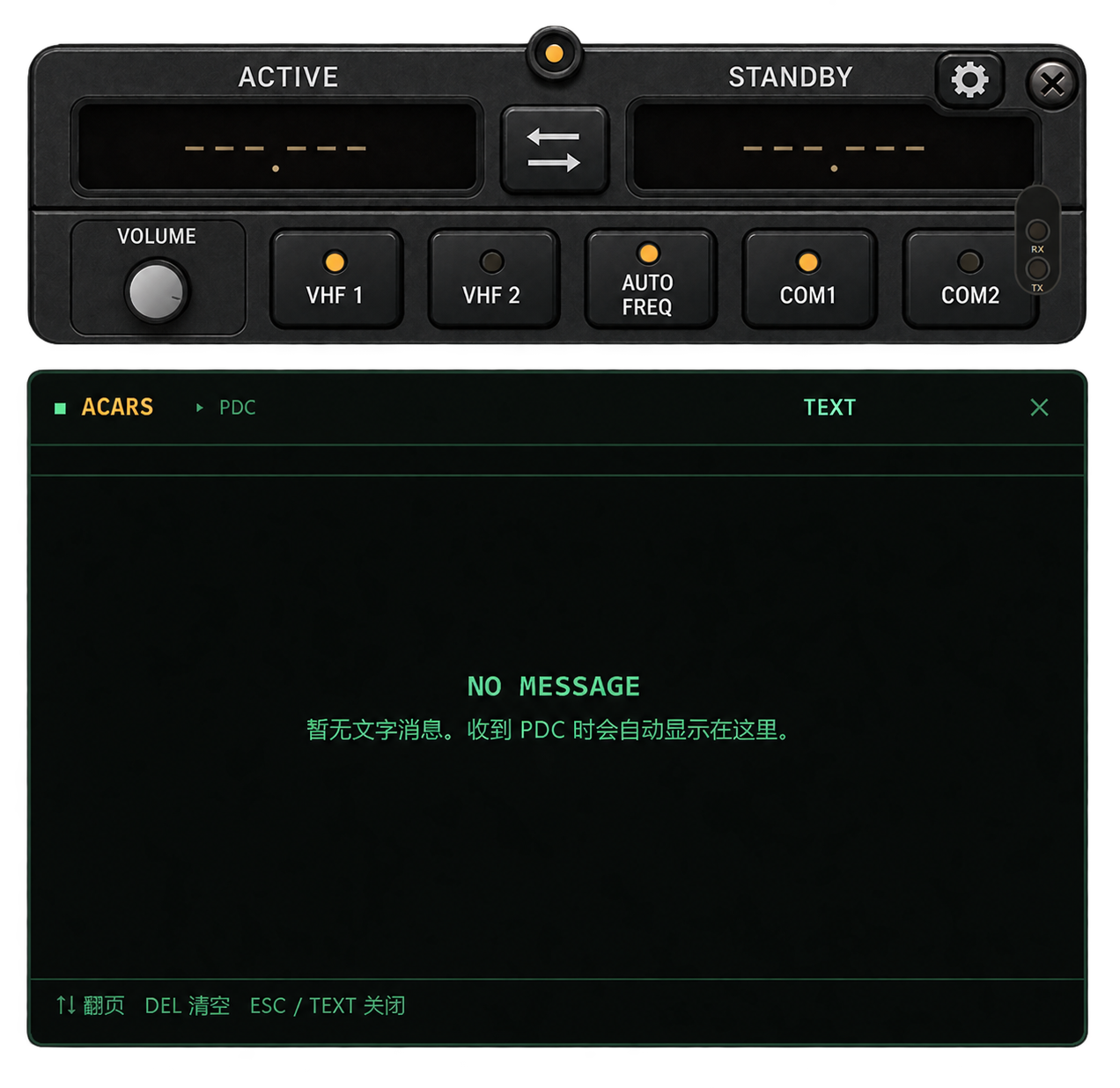
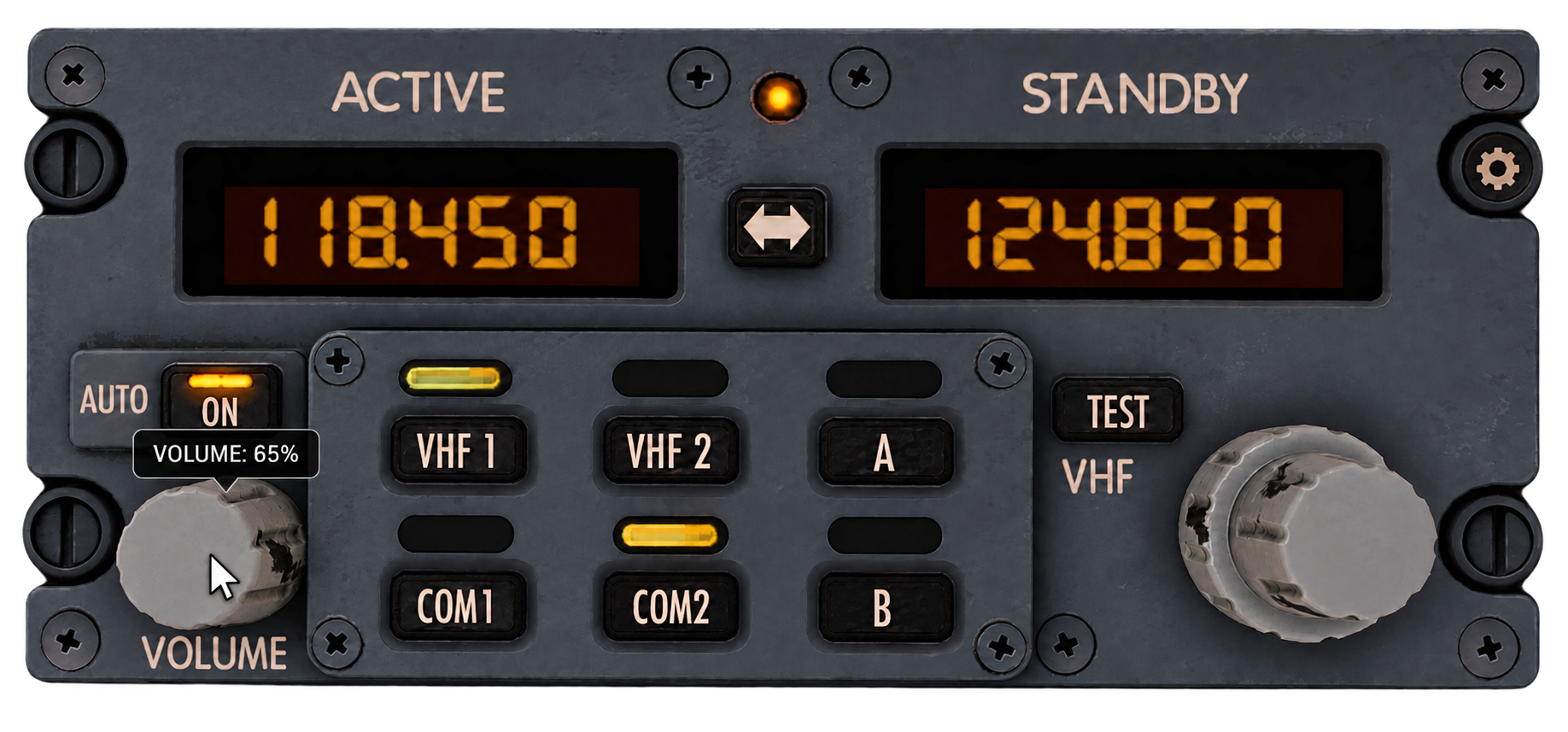
Make TeamSpeak 3 conversations follow simulator radio frequencies, with automatic switching, radio distortion, tail audio and a floating radio panel.
Works with MSFS 2024 and TeamSpeak 3
Adjusts voice state from the active COM frequency
Nine interface languages and scalable panels
Licensing follows the same entry as Where to Fly; view the licensing note until online purchase opens.
Licensing details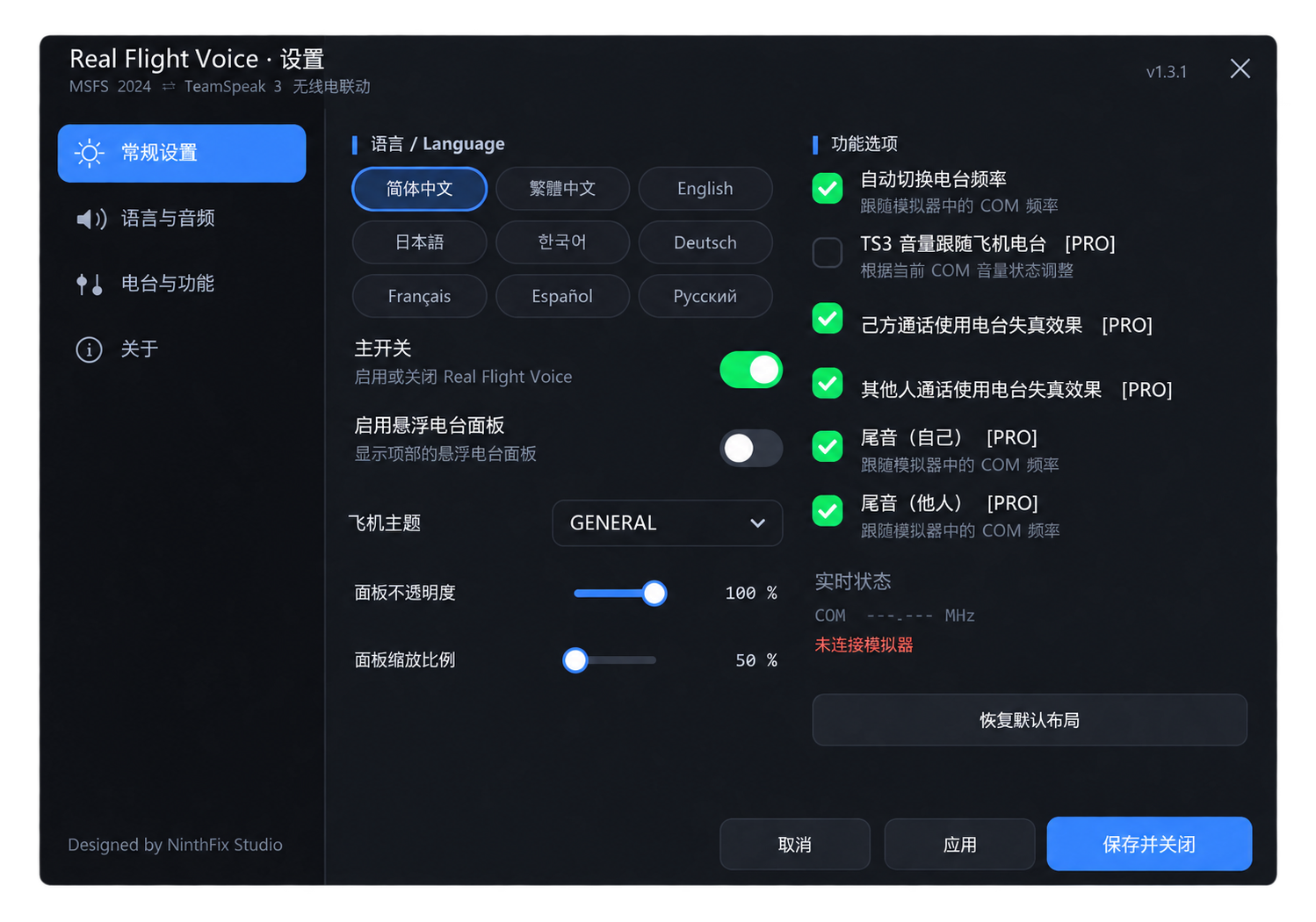

Tell us your goals, time and concerns. We will explain licensing, medicals, training and real costs clearly.
WeChat enquiryA more approachable route for recreational pilots who want to fly independently sooner.
A broader, more structured route for people who want a complete flying education.

Mention “flight training” when adding. You can also search the phone number in WeChat.
155-0140-9330Eyesight, age, medical concerns or timing are not always barriers. Final eligibility depends on medical assessment, the school and current regulations.
For activation, installation, downloads, accounts and bug reports only. For flight training, use the WeChat contact on the training page.
Registration needs a username and an e-mail address. We never ask for a phone number.
Signed in as